Cancel Run
Cancelling a deploy run refers to stopping an ongoing deployment process before it is completed.
Why it matters / Use Cases:
- Prevent Errors from Spreading: Stops the deployment if a configuration or code issue is detected.
- Avoid Failed Test Executions: Cancels runs when automated tests are failing to prevent invalid results.
- Correct Misconfigurations: Allows updating incorrect settings before redeploying.
- Save Time and Resources: Stops unnecessary deployments, reducing server load and resource usage.
Prerequisites
- Access to ZeuZ Server with permissions for Testing → Deployments → History.
Features
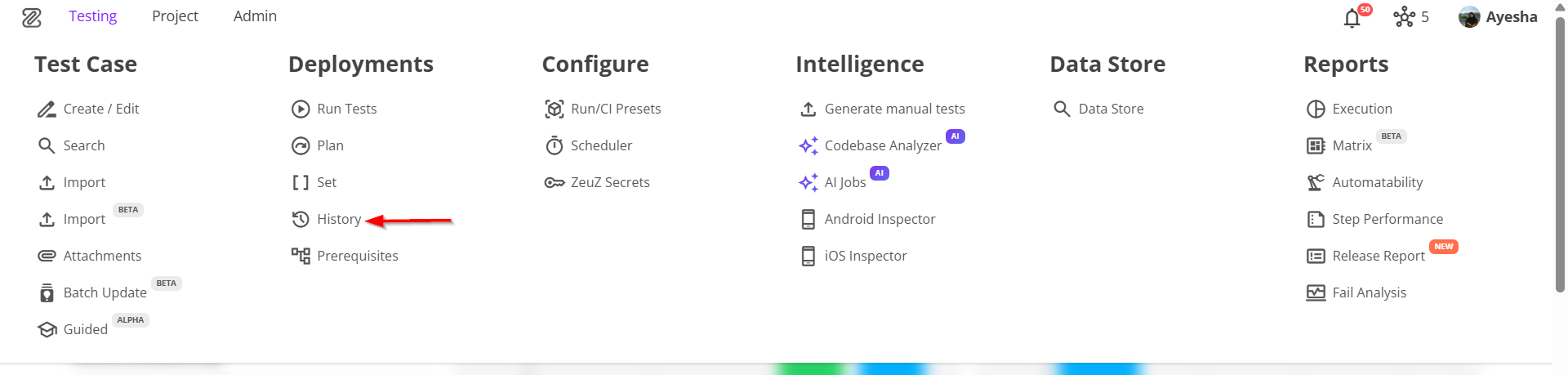
- Navigate to the Results page by clicking the "History" option from the menu bar.
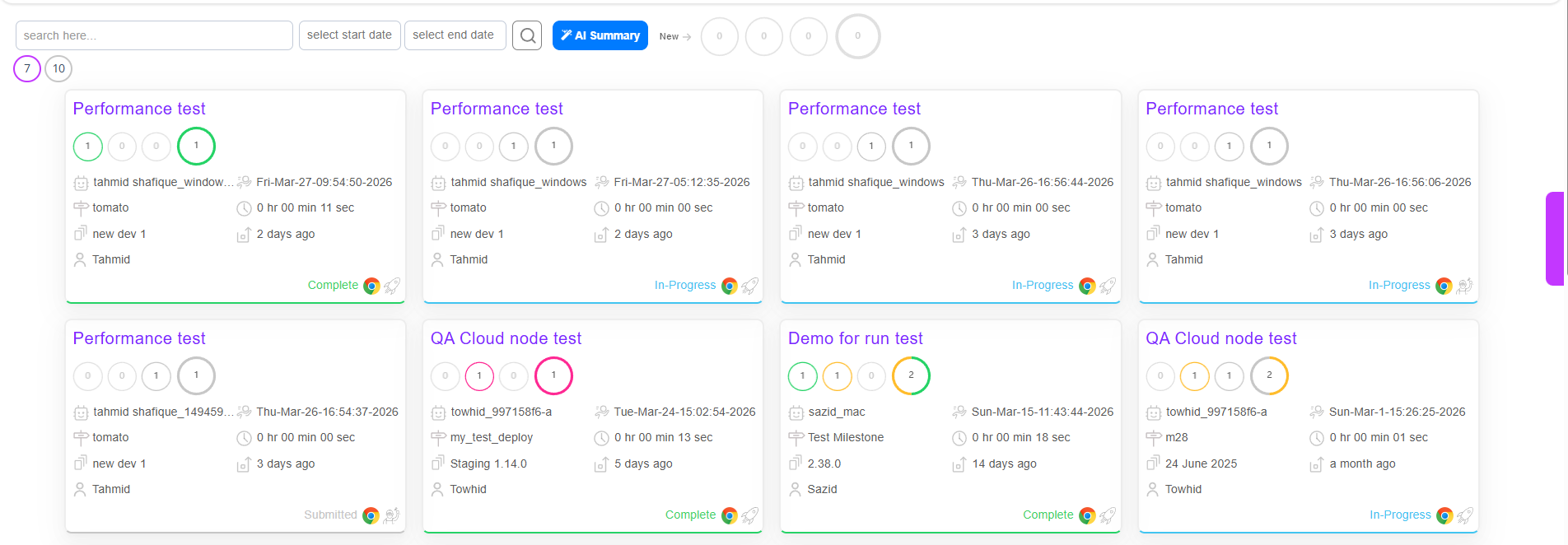
- Click the required Run ID on the page.
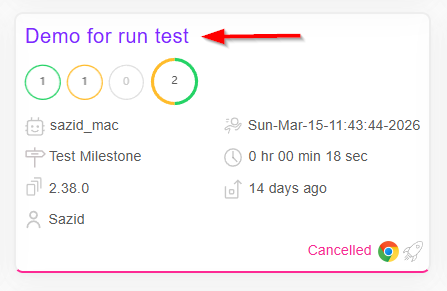
- After clicking the required Run ID, it will redirect to the "Run ID details" page.
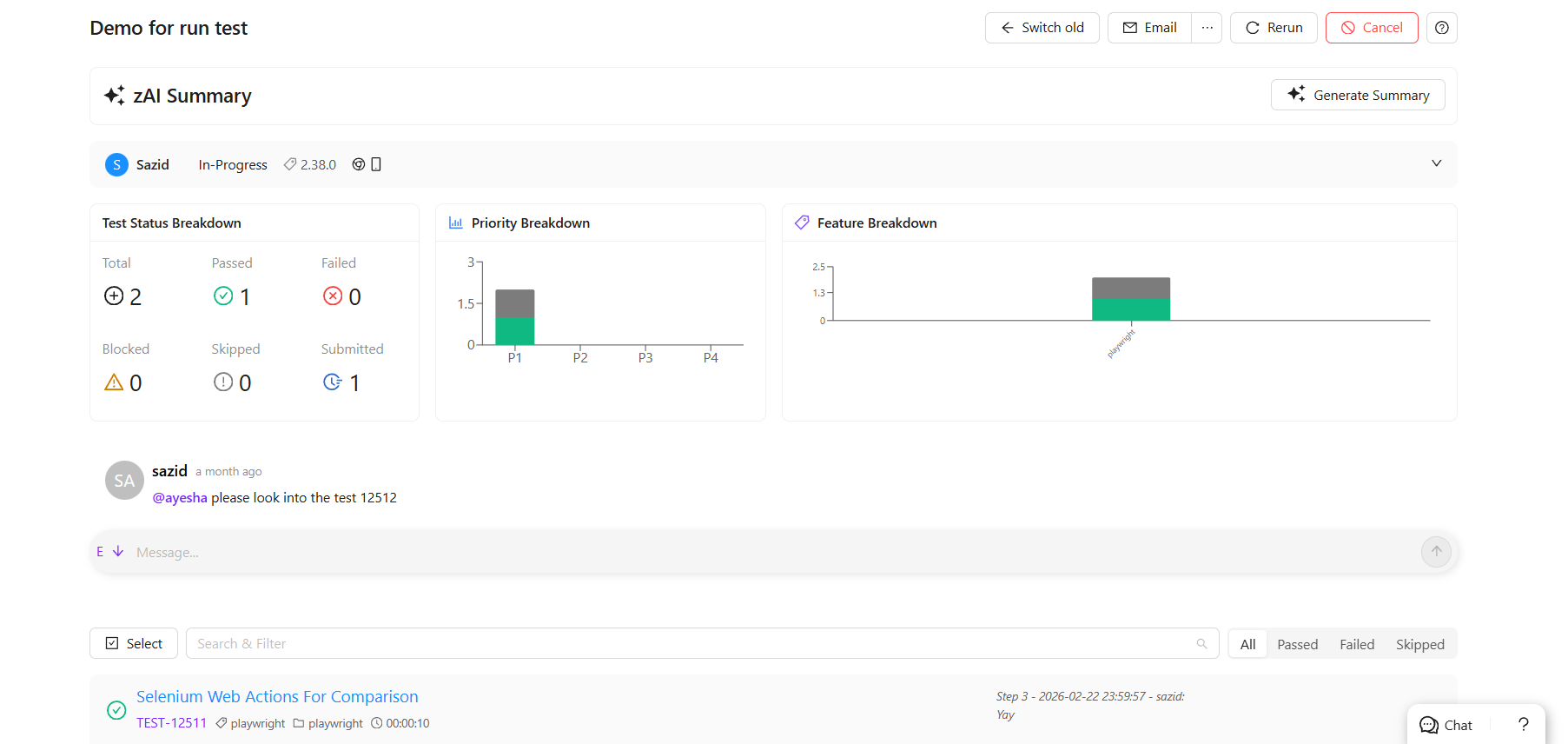
- Click the Cancel button available at the top right of the "Run ID details" page.
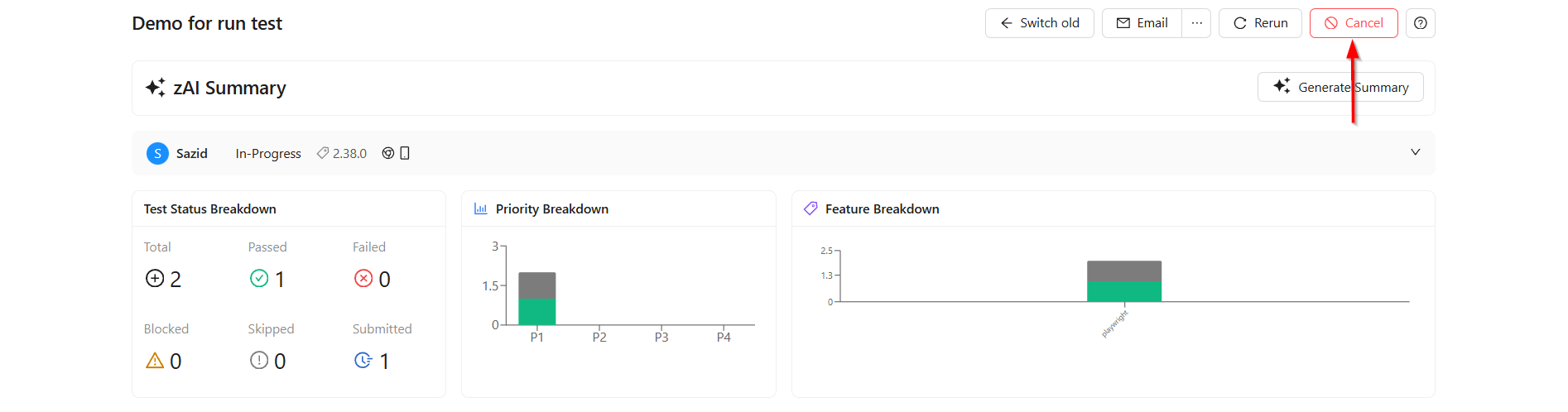
- The Run ID will be cancelled after clicking the Cancel button.
FAQs / Troubleshooting
Can a cancelled run be resumed?
No, once a run is canceled, it cannot be resumed.
What happens when you click the Cancel button on a Run ID?
The Run ID will be cancelled after clicking the Cancel button.
How to confirm that a run is canceled?
Check the run status on the Results page; it should be updated as “Canceled” or similar.
Changelog
- New UI has been introduced [20250518]